Introduction
The curl command-line tool is essential for developers, sysadmins, and network engineers who need to transfer data to and from servers via various protocols. This versatile tool supports HTTP, HTTPS, FTP, and more. In this guide, we’ll walk through 20 useful curl commands that you can use for data transfer, troubleshooting, and automation tasks. Each example is designed to be straightforward, with explanations, CLI examples, and table charts where applicable.
20 Essential curl Commands for Developers and Sysadmins
1. Basic GET Request |
The most fundamental curl operation is a GET request. You can fetch data from a URL without additional flags:
curl https://jsonplaceholder.typicode.com/todos/1{
"userId": 1,
"id": 1,
"title": "delectus aut autem",
"completed": false
}This retrieves data from a JSON API endpoint, returning the content to your console (above).
| Command | Description |
|---|---|
curl [URL] | Perform a GET request on the specified URL. |
2. Follow Redirects |
By default, curl won’t follow redirects. To follow them, add -L:
curl -L http://example.com<!doctype html>
<html>
<head>
<title>Example Domain</title>
<meta charset="utf-8" />
<meta http-equiv="Content-type" content="text/html; charset=utf-8" />
<meta name="viewport" content="width=device-width, initial-scale=1" />
<style type="text/css">
body {
background-color: #f0f0f2;
margin: 0;
padding: 0;
font-family: -apple-system, system-ui, BlinkMacSystemFont, "Segoe UI", "Open Sans", "Helvetica Neue", Helvetica, Arial, sans-serif;
}
...omitted for brevity...This will follow any redirections from the original URL to the final destination.
| Flag | Description |
|---|---|
-L | Follow redirects automatically. |
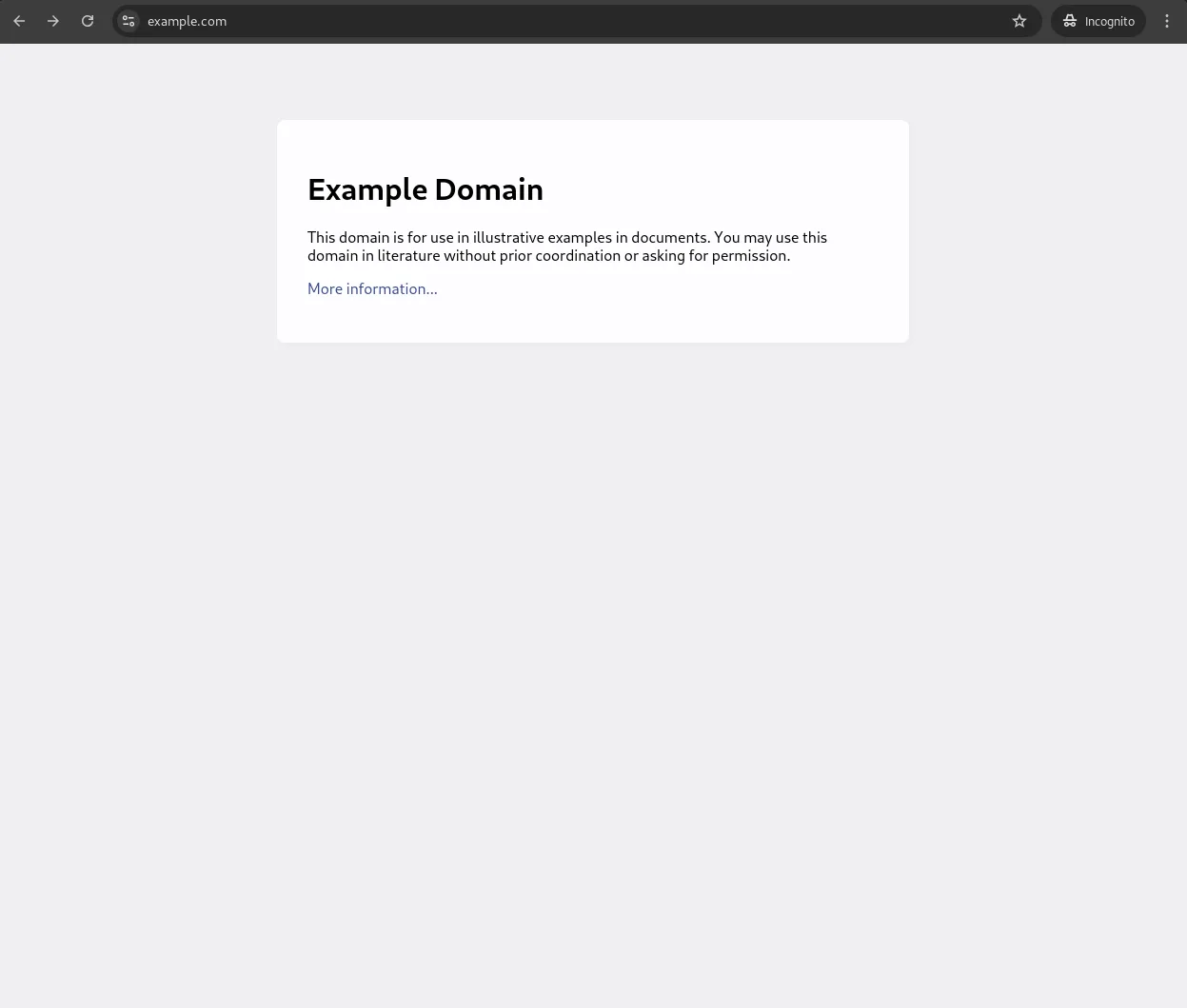
Photo by admingeek from Infotechys
3. Saving Output to a File |
To save your curl output directly to a file, use the -o flag:
curl -o example.html https://example.comThe above command downloads the content of https://example.com and saves it as example.html.
| Command | Description |
|---|---|
-o [filename] | Save output to a specified file. |
HTTP Header Operations
4. View Response Headers Only |
If you only need to see the headers without the body, use the -I flag:
curl -I https://example.com| Flag | Description |
|---|---|
-I | Fetch only headers. |
5. Add Custom Headers |
To add a custom HTTP header, such as a User-Agent, use the -H flag:
curl -H "User-Agent: MyUserAgent" https://example.com6. Include Both Headers and Body |
To view headers along with the body in the response, use -i:
curl -H "User-Agent: MyUserAgent" https://example.com...omitted for brevity...
x-content-type-options: nosniff
etag: W/"53-hfEnumeNh6YirfjyjaujcOPPT+s"
via: 1.1 vegur
cf-cache-status: HIT
age: 2313
accept-ranges: bytes
server: cloudflare
cf-ray: 8d8cf9353ddc81f1-IAD
alt-svc: h3=":443"; ma=86400
server-timing: cfL4;desc="?proto=TCP&rtt=3352&sent=5&recv=8&lost=0&retrans=0&sent_bytes=3389&recv_bytes=836&delivery_rate=807134&cwnd=224&unsent_bytes=0&cid=4a19f0fdaf4c16d7&ts=33&x=0"
{
  "userId": 1,
  "id": 1,
  "title": "delectus aut autem",
  "completed": false
}Authentication
7. Basic Authentication |
curl supports basic authentication using the -u flag:
curl -u username:password https://example.com8. Token-Based Authentication |
For API tokens, include the Authorization header:
curl -H "Authorization: Bearer your_token_here" https://api.example.com/endpointFile Uploads and Downloads
9. Download Multiple Files |
You can download multiple files in one command by listing URLs separated by spaces:
curl -O https://example.com/file1.txt -O https://example.com/file2.txt| Flag | Description |
|---|---|
-O | Download files with original filenames. |
10. Upload a File |
To upload a file via curl, use the -F flag:
curl -F "file=@/path/to/yourfile.txt" https://example.com/upload| Flag | Description |
|---|---|
-F | Specify the file to upload. |
11. Download Files with Authentication |
To download files from authenticated servers, combine -u with -O:
curl -u username:password -O https://secure.example.com/file.txtAdvanced curl Tricks
12. Limit Download Speed |
Useful for testing or saving bandwidth, limit speed with --limit-rate:
curl --limit-rate 100k https://example.com/file.zip -O13. Display Download Progress |
For a progress bar display, use the -# flag:
curl -# -O https://example.com/largefile.zip14. Follow HTTP/2 Protocol |
To use HTTP/2, ensure your version of curl supports it, then add --http2:
curl --http2 -I https://example.com| Flag | Description |
|---|---|
--http2 | Use HTTP/2 protocol. |
15. Send Data with a POST Request |
To send data using POST, use -d with a key-value format:
curl -d "name=John&age=25" -X POST https://example.com/form16. Send JSON Data with a POST Request |
For JSON, specify the header and data:
curl -H "Content-Type: application/json" -d '{"name":"John", "age":25}' -X POST https://example.com/jsonendpoint| Command | Description |
|---|---|
-d | Send data in the request body. |
17. Debugging with |
To debug requests, use -v for verbose output or --trace for even deeper tracing:
curl -v https://example.comcurl --trace output.txt https://example.com| Command | Description |
|---|---|
-v | Enable verbose output. |
--trace | Detailed debugging saved to a file. |
18. Extract Specific Data with |
To extract JSON data, combine curl with jq:
curl -s https://jsonplaceholder.typicode.com/todos/1 | jq '.title'19. Access FTP and SFTP Servers |
Download a file from an FTP server:
curl ftp://ftp.example.com/file.zip -o localfile.zipFor SFTP:
curl -u username:password sftp://sftp.example.com/file.zip -o localfile.zip20. Measure Response Time |
To check the time taken for various parts of the request, use -w:
curl -w "DNS Time: %{time_namelookup}\nConnect Time: %{time_connect}\nTotal Time: %{time_total}\n" -o /dev/null -s https://example.comDNS Time: 0.002605
Connect Time: 0.007066
Total Time: 0.084328Quick Reference Table
| Command | Purpose |
|---|---|
curl [URL] | Basic GET request |
curl -L [URL] | Follow redirects |
curl -o [file] [URL] | Save output to file |
curl -I [URL] | View headers only |
curl -H "Header: Value" | Add custom headers |
curl -i [URL] | Show headers and body |
curl -u username:password | Basic authentication |
curl -O [URL] | Download file with original name |
curl -F "file=@path" | File upload |
curl --limit-rate 100k | Limit download speed |
curl -# | Display progress bar |
curl --http2 | Use HTTP/2 protocol |
curl -d "data" -X POST | Send POST data |
curl -H "Content-Type: application/json" | Send JSON data |
curl -v | Verbose output |
curl --trace [file] | Save trace output to file |
curl -w "time metrics" | Measure response time |


No comments:
Post a Comment