Introduction
With the rise of containerization, Podman has emerged as a robust tool that allows users to manage containers without relying on a central daemon. The introduction of Quadlet in Podman 4.4 has further streamlined the integration of Podman with systemd, simplifying the process of running containers in a way that’s easy to maintain. This article will explore how to leverage Quadlets to enhance performance, simplify management, and improve the overall experience of working with Podman and systemd.
What is Podman?
Podman is an open-source container management tool designed for running containers without a daemon, allowing for rootless operations that enhance security and flexibility. This makes it particularly suitable for developers and administrators working in multi-user environments.
Key Features: |
- Daemonless architecture
- Rootless container execution
- Compatibility with Docker CLI commands
- Pod support for grouping multiple containers
The podman generate systemd command has been deprecated, and Quadlet has emerged as the preferred method for managing containers with systemd.
Understanding Systemd and Quadlet
Systemd serves as the initialization system and service manager for many Linux distributions, playing a critical role in managing system processes. The Quadlet feature, introduced in Podman 4.4, simplifies the complexity of managing containers with systemd by allowing users to write unit files in a more straightforward manner.
What is Quadlet? |
Quadlet is a declarative tool that enables users to manage Podman containers within systemd without the usual complexities associated with unit file creation. It abstracts the intricate details, making it easier to define how containers should run.
Benefits of Using Quadlet with Podman |
Integrating Quadlet with Podman offers several notable advantages:
- Declarative Syntax: Users can define container configurations easily, avoiding the complications of traditional systemd unit files.
- Automatic Management: Quadlet enables automatic updates and rollbacks for container configurations, simplifying maintenance.
- Lifecycle Management: Systemd manages service dependencies and can automatically restart containers if they fail.
- Ease of Maintenance: The generated unit files from Quadlet are less cumbersome, focusing on essential configuration without unnecessary complexity.
Understanding Systemd and Quadlet
Systemd serves as the initialization system and service manager for many Linux distributions, playing a critical role in managing system processes. The Quadlet feature, introduced in Podman 4.4, simplifies the complexity of managing containers with systemd by allowing users to write unit files in a more straightforward manner.
What is Quadlet? |
Quadlet is a declarative tool that enables users to manage Podman containers within systemd without the usual complexities associated with unit file creation. It abstracts the intricate details, making it easier to define how containers should run.
Podman container management with systemd using Quadlets
Installation |
First, ensure that you have Podman installed on your system. You can verify this with:
$ podman --versionpodman version 4.9.4-rhelCreating a Quadlet File |
You can create Quadlet files in one of the following directories:
- For system-wide configurations:
/usr/share/containers/systemd/ - For user-specific configurations:
$HOME/.config/containers/systemd/
Exhibit A: Creating a Simple Quadlet File |
Let’s create a Quadlet file to run an NGINX web server with volume mapping:
Create a Quadlet file (using your preferred text editor): |
$ mkdir -p $HOME/.config/containers/systemd/$ vim $HOME/.config/containers/systemd/mynginx.containerAdd the following content: |
[Unit]
Description=NGINX Web Server Container
After=local-fs.target

[Container]
Image=nginx:latest
Exec=nginx -g 'daemon off;'
Port=80:80
Volume=/path/to/your/content:/usr/share/nginx/html

[Install]
WantedBy=multi-user.targetNote: Replace /path/to/your/content with the actual path on your host machine where your static HTML files are stored.
Reload the systemd daemon: |
$ systemctl --user daemon-reloadStart the service: |
$ systemctl --user start mynginx.serviceCheck/Verify service status: |
$ systemctl --user status mynginx.serviceAccessing the Web Server |
After starting the service, you can access the NGINX web server by navigating to http://localhost in your web browser. The server will serve static content from the specified directory on your host machine.
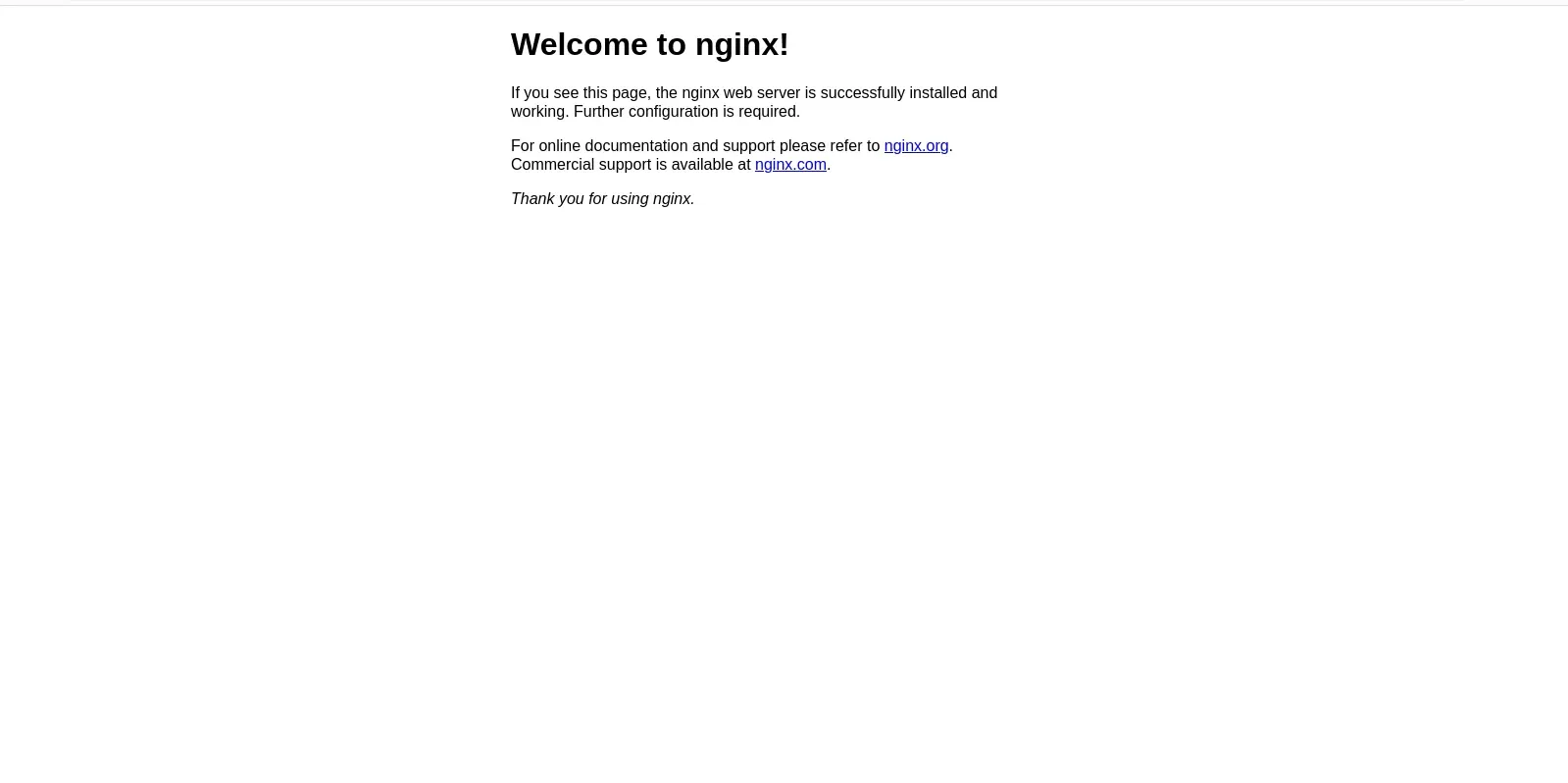
Photo by admingeek from Infotechys
This Quadlet configuration not only runs an NGINX web server but also maps a volume from your host, allowing you to easily manage and update your static content without having to rebuild the container. This approach makes your web server more flexible and easier to maintain.
Note: Ensure that the firewall is configured to allow network traffic on the necessary ports.
Performance Improvements with Quadlets
Using Quadlets brings multiple performance benefits, including:
Resource Management |
You can define resource limits directly in your Quadlet configuration:
[Service]
MemoryLimit=500M
CPUQuota=50%Simplified Logging |
With systemd’s logging capabilities, accessing container logs is straightforward:
$ journalctl -u mynginx.serviceAutomatic Restarts
The Restart=always directive ensures your container restarts automatically in the event of a failure, enhancing reliability.
Podman container management with systemd using Quadlets: Advanced Use Cases
1. Running Web Applications |
Quadlets can be used to deploy web applications, allowing for easy management and monitoring. Automatic restarts and logging features improve the overall robustness of your deployments.
2. Background Services |
For services like databases or caching systems, Quadlet streamlines the setup while providing comprehensive lifecycle management.
3. Kubernetes Integration |
Quadlet supports Kubernetes YAML configurations, enabling users to run pods and containers as systemd services. This is especially beneficial for managing Kubernetes workloads in simpler, single-node environments.


No comments:
Post a Comment