Introduction
Choosing the right text editor can make a world of difference in your productivity and overall experience. With so many options available, it’s important to consider your specific needs and preferences. In this blog post, we’ll explore some of the best text editors out there, comparing their features, ease of use, and suitability for different tasks.
Why is Choosing the Right Text Editor Important?
Text editors are essential tools for developers, writers, and anyone who deals with text on a regular basis. A good text editor can:
|
Choosing the right text editor depends on your specific needs, whether you’re coding, writing, or simply taking notes.
Which Text Editor Should You Choose: Popular Text Editors
Here’s a look at some of the most popular text editors, each with its unique strengths and weaknesses.
1. Visual Studio Code |
Visual Studio Code (VS Code) is a free, open-source text editor developed by Microsoft. It’s incredibly popular among developers for its powerful features and extensive extensions marketplace.
| Feature | Description |
|---|---|
| Platform | Windows, macOS, Linux |
| Customization | Highly customizable with a vast library of extensions |
| Language Support | Supports a wide range of programming languages |
| Integrated Tools | Built-in Git support, debugging tools, and terminal |
Pros:
- Highly customizable.
- Large community and extensive documentation.
- Regular updates and new features.
Cons:
- Can be resource-intensive on older machines.
- May have a steeper learning curve for beginners.
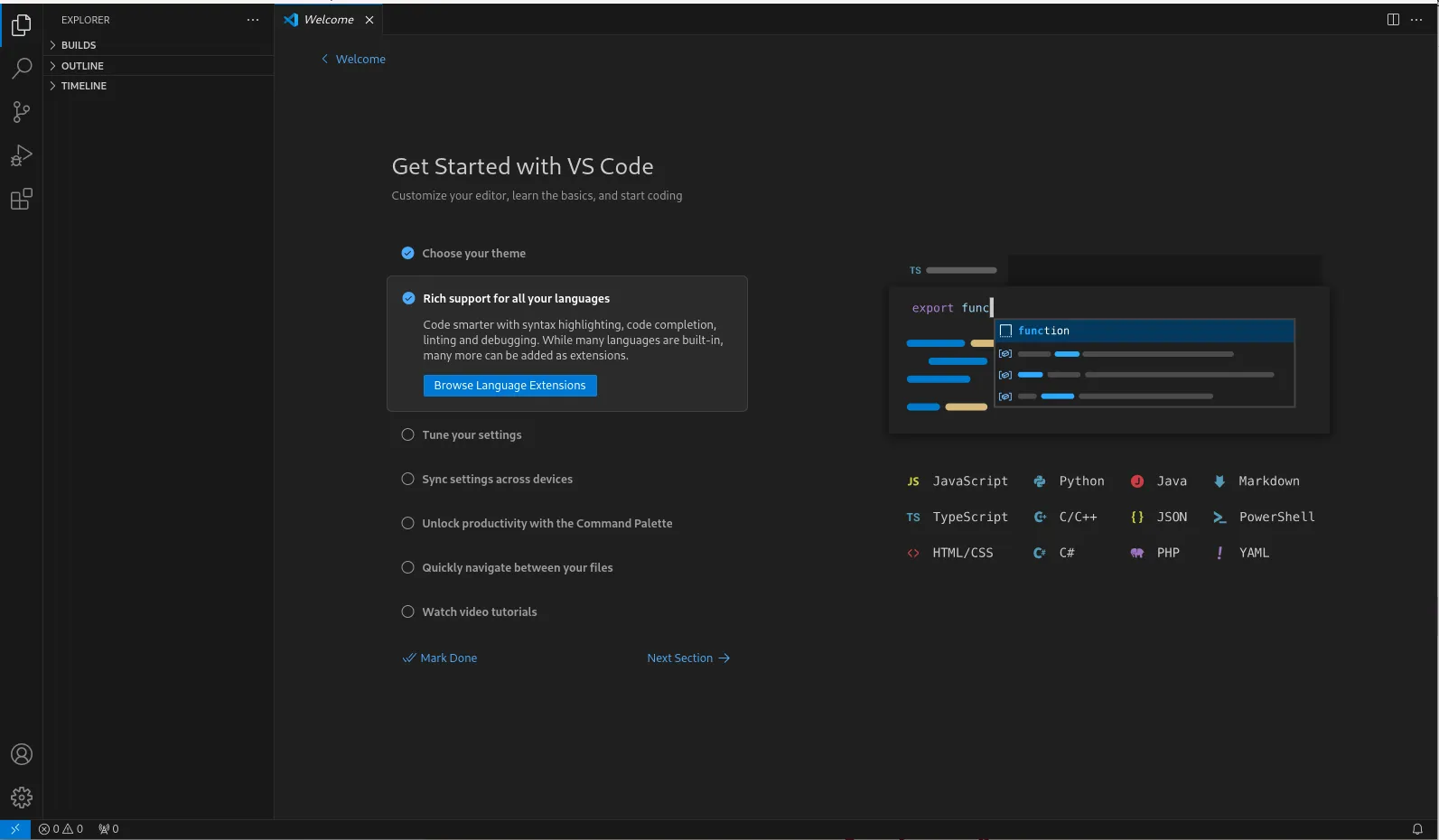
Photo by admingeek from Infotechys
2. Sublime Text |
Sublime Text is a lightweight, fast, and responsive text editor. It’s known for its sleek user interface and powerful features.
| Feature | Description |
|---|---|
| Platform | Windows, macOS, Linux |
| Performance | Lightweight and fast, even with large files |
| Customization | Customizable with various plugins and packages |
| Features | Multiple selections, split editing, and distraction-free mode |
Pros:
- Extremely fast and responsive.
- Clean and distraction-free interface.
- Excellent multi-caret and multi-selection capabilities.
Cons:
- Some advanced features require a paid license.
- Fewer built-in integrations compared to VS Code.
3. Atom |
Atom is a free, open-source text editor developed by GitHub. It’s designed to be highly customizable and user-friendly.
| Feature | Description |
|---|---|
| Platform | Windows, macOS, Linux |
| Customization | Highly customizable with a wide range of themes and packages |
| Collaboration | Built-in Git and GitHub integration |
| Community | Strong community support and frequent updates |
Pros:
- Highly customizable.
- Integrated with Git and GitHub.
- Active community and regular updates.
Cons:
- Can be slower with large files or many plugins.
- May consume more system resources compared to other editors.
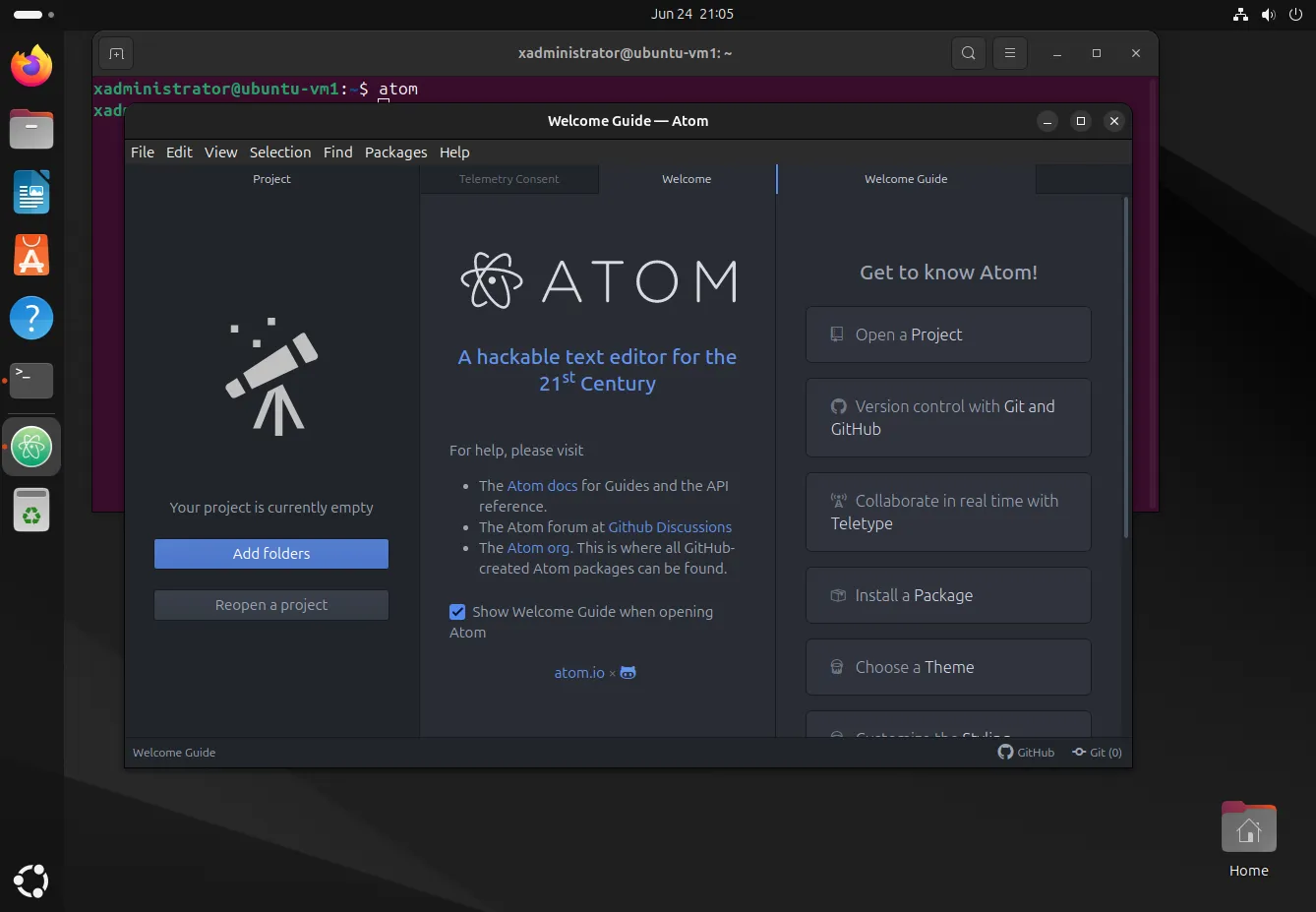
Photo by admingeek from Infotechys
4. Notepad++ |
Notepad++ is a free, open-source text editor that is lightweight and easy to use. It’s particularly popular among Windows users.
| Feature | Description |
|---|---|
| Platform | Windows |
| Performance | Fast and lightweight |
| Features | Syntax highlighting, macro recording, and plugin support |
| Usability | Simple and straightforward interface |
Pros:
- Lightweight and fast.
- Easy to use with a simple interface.
- Rich set of features for its size.
Cons:
- Only available for Windows.
- Limited customization options compared to other editors.
5. Brackets |
Brackets is a modern, open-source text editor specifically designed for web development.
| Feature | Description |
|---|---|
| Platform | Windows, macOS, Linux |
| Focus | Optimized for web development |
| Live Preview | Real-time connection with the browser for instant feedback |
| Extensions | Wide range of extensions available |
Pros:
- Excellent for web development with live preview feature.
- User-friendly interface.
- Open-source with a supportive community.
Cons:
- Primarily focused on web development, less versatile for other tasks.
- May lack some features compared to more established editors like VS Code.
6. Emacs |
Emacs is another highly customizable text editor known for its extensive capabilities and powerful features.
| Feature | Description |
|---|---|
| Platform | Windows, macOS, Linux |
| Customization | Highly extensible with Emacs Lisp |
| Built-in Tools | Includes tools for email, calendar, and more |
| Community | Strong community support and active development |
Pros:
- Highly extensible and customizable.
- Integrates a wide range of tools and applications.
- Powerful for both coding and non-coding tasks.
Cons:
- Can be complex and intimidating for new users.
- Potentially resource-intensive.
7. Vim |
Vim is a highly configurable text editor built to enable efficient text editing. It is an improved version of the vi editor, commonly found on Unix systems.
| Feature | Description |
|---|---|
| Platform | Windows, macOS, Linux |
| Efficiency | Keyboard-centric operations for fast editing |
| Customization | Extensive through scripts and plugins |
| Learning Curve | Steep, but highly rewarding once mastered |
Pros:
- Extremely powerful and efficient once mastered.
- Highly customizable through Vimscript and plugins.
- Lightweight and fast.
Cons:
- Steep learning curve for beginners.
- No GUI, which may be challenging for some users.
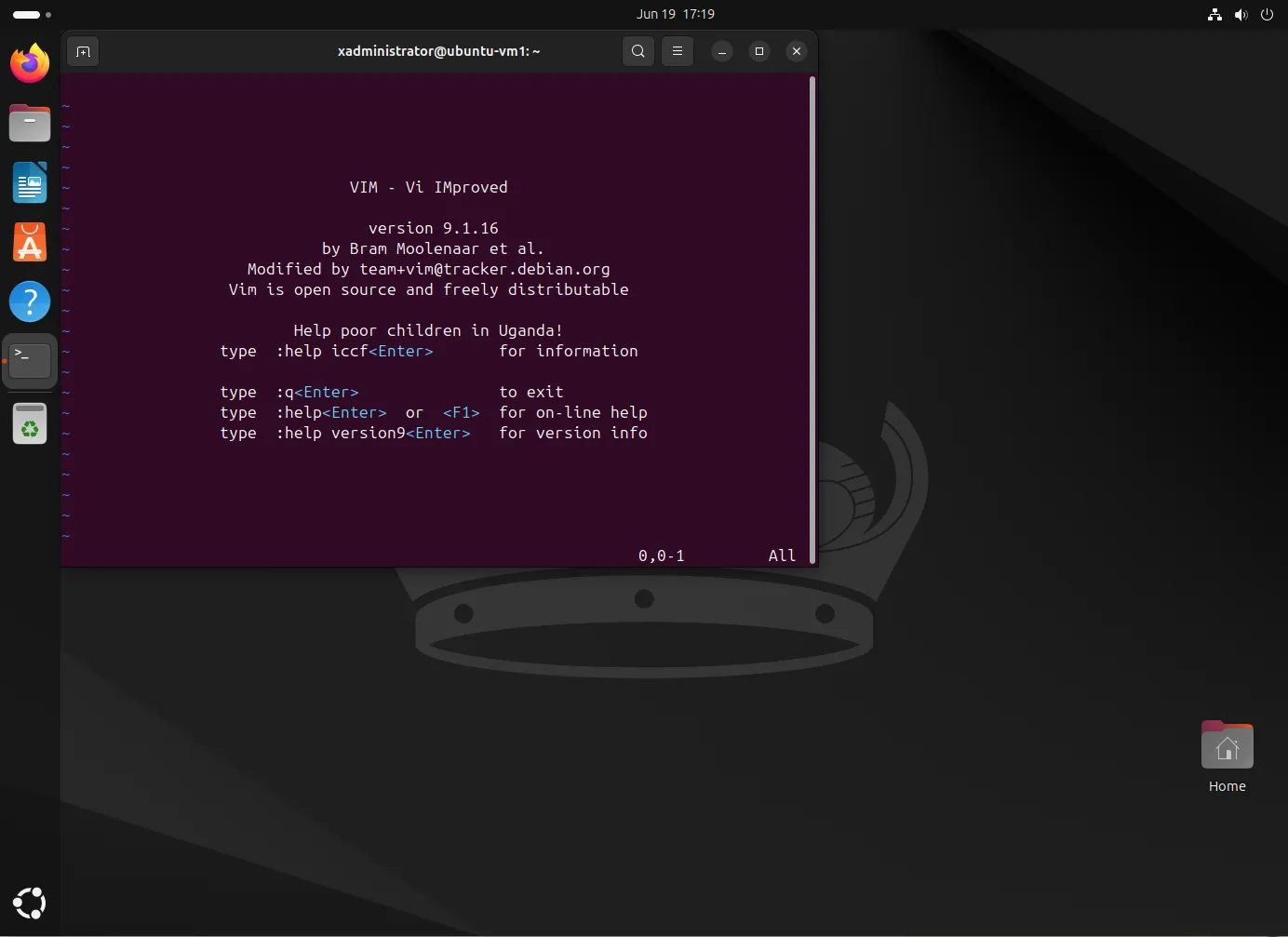
Photo by admingeek from Infotechys
Comparison Table
Here’s a quick comparison of the key features of these text editors:
| Feature | Visual Studio Code | Sublime Text | Atom | Notepad++ | Vim | Emacs | Brackets |
|---|---|---|---|---|---|---|---|
| Platform | Windows, macOS, Linux | Windows, macOS, Linux | Windows, macOS, Linux | Windows | Windows, macOS, Linux | Windows, macOS, Linux | Windows, macOS, Linux |
| Customization | Extensive | Moderate | Extensive | Limited | Extensive | Extensive | Moderate |
| Performance | Moderate | High | Moderate | High | High | Moderate | Moderate |
| Language Support | Extensive | Extensive | Extensive | Moderate | Extensive | Extensive | Extensive |
| Built-in Tools | Extensive | Moderate | Extensive | Moderate | Moderate | Extensive | Moderate |
| Community Support | High | Moderate | High | Moderate | High | High | Moderate |
Ranking of Popular Text Editors
Here’s a ranking that orders the text editors based on their popularity and widespread adoption:
| Rank | Text Editor | Platform | Popularity Summary |
|---|---|---|---|
| 1 | Visual Studio Code | Windows, macOS, Linux | Widely regarded as the most popular due to extensive features, strong community support, and constant updates. Versatile for coding and writing tasks. |
| 2 | Sublime Text | Windows, macOS, Linux | Known for speed, responsiveness, and a distraction-free environment. Highly popular among developers for its sleek interface and powerful features. |
| 3 | Atom | Windows, macOS, Linux | Popular for ease of use and extensive customization options. Maintains a dedicated community despite competition, offering frequent updates and usability enhancements. |
| 4 | Notepad++ | Windows | Extremely popular among Windows users for simplicity, speed, and robust feature set, making it ideal for quick edits and programming tasks. |
| 5 | Vim | Windows, macOS, Linux | Popular among experienced developers for efficiency and powerful editing capabilities once mastered. Highly customizable but has a steep learning curve. |
| 6 | Emacs | Windows, macOS, Linux | Favored for extensibility and integration with various tools, appealing to developers seeking a highly customizable environment with a strong open-source community. |
| 7 | Brackets | Windows, macOS, Linux | Known for web development with features like live preview. Has a niche following among web developers but generally lower adoption compared to versatile editors. |
This table provides a clear overview of the popularity rankings of these text editors based on their features, platform availability, and user preferences.


No comments:
Post a Comment